Free Music Tools8 Online Tools for Musicians
A tuner, metronome, chord chart, tap tempo, chord transposer, circle of fifths, chord progression generator and ear trainer – eight professional-grade tools that run in your browser, on phone or desktop, with nothing to install and no account. Built for our own students, open to anyone who plays, sings or writes.
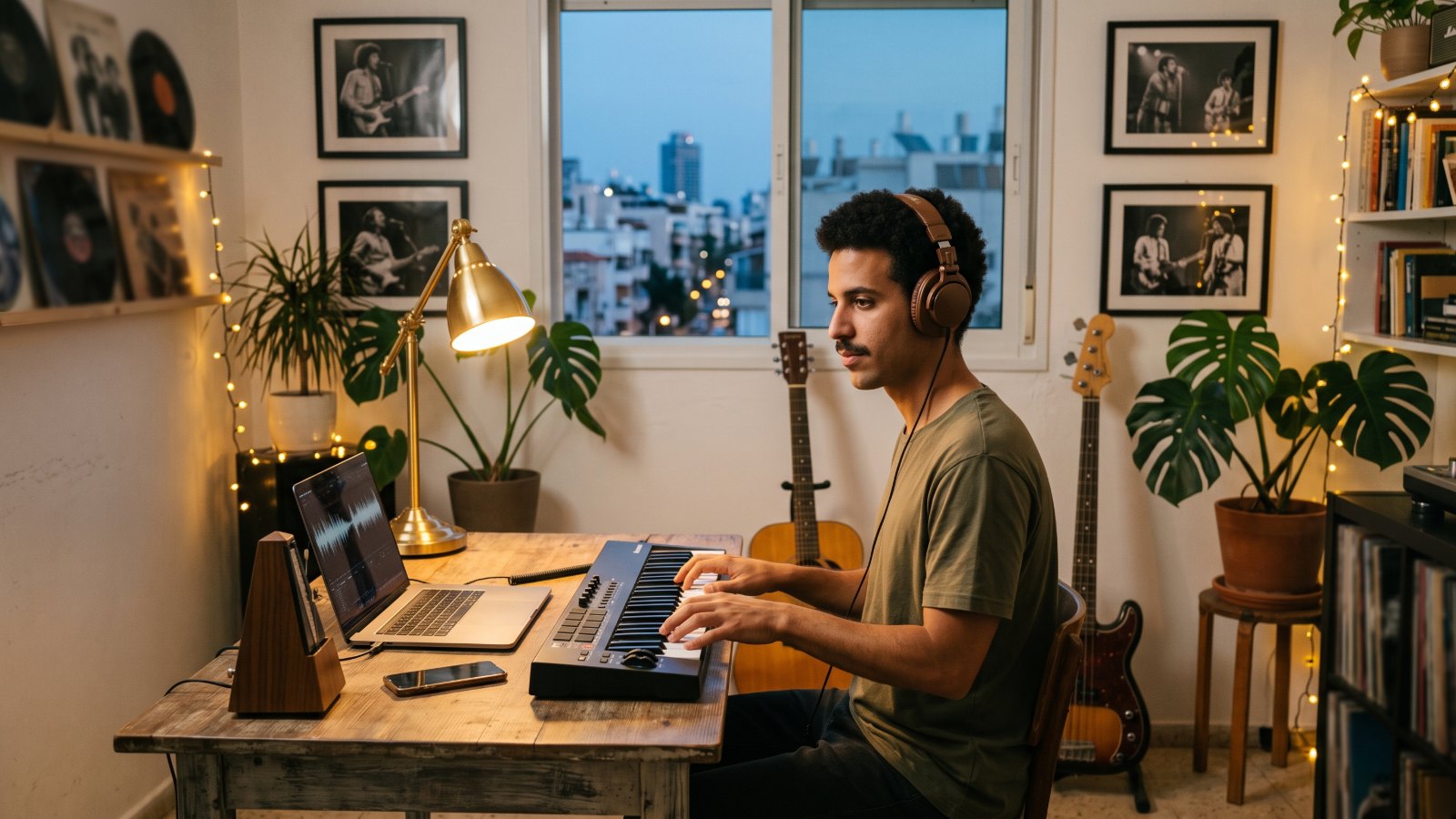
Practice & training
Tune, count and listen: the base of every practice session.
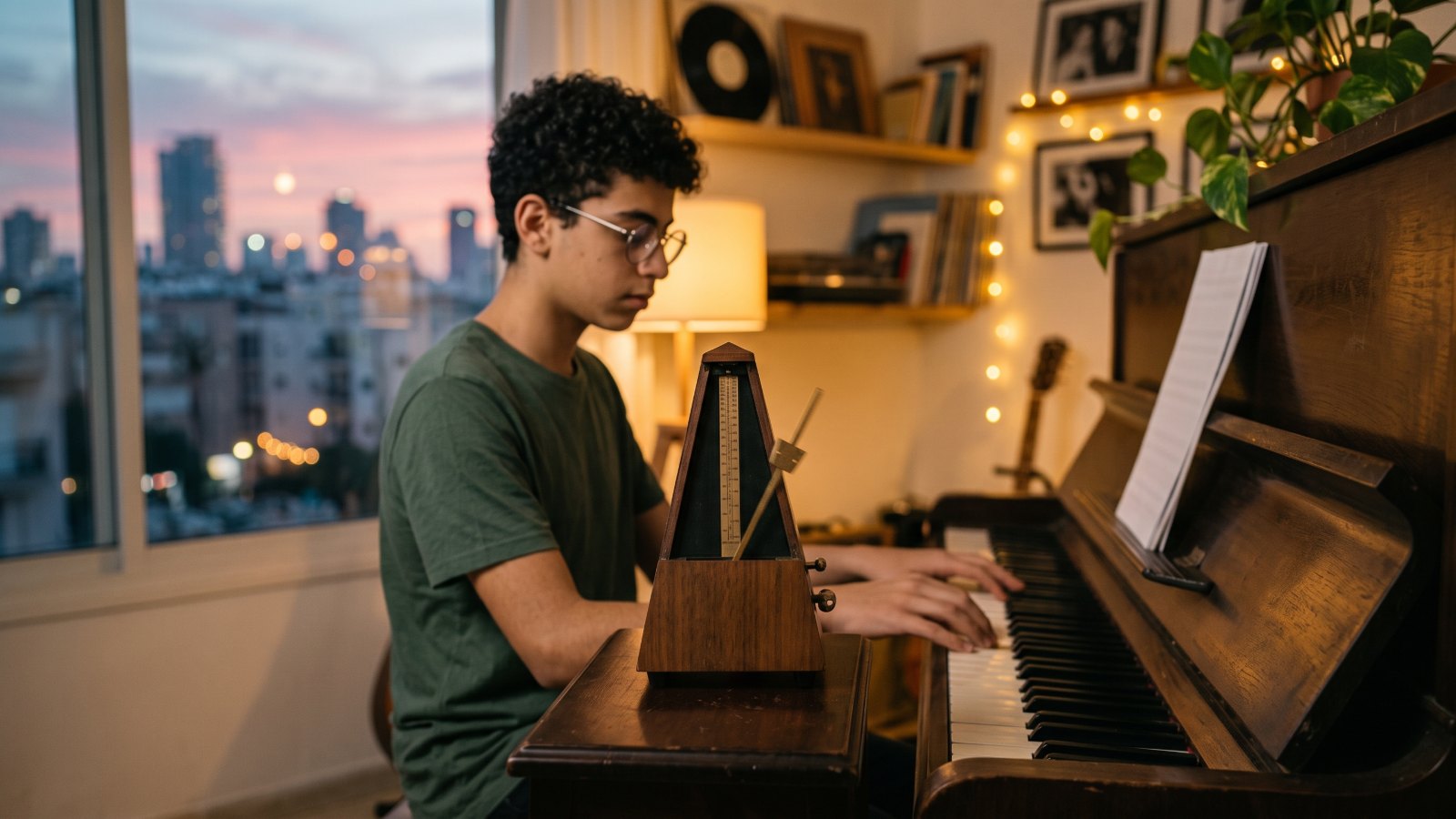
Online Metronome
20–300 BPM with 8 time signatures, subdivisions and per-beat accents. A built-in speed trainer and sample-accurate timing that holds steady even in a background tab.
Open tool →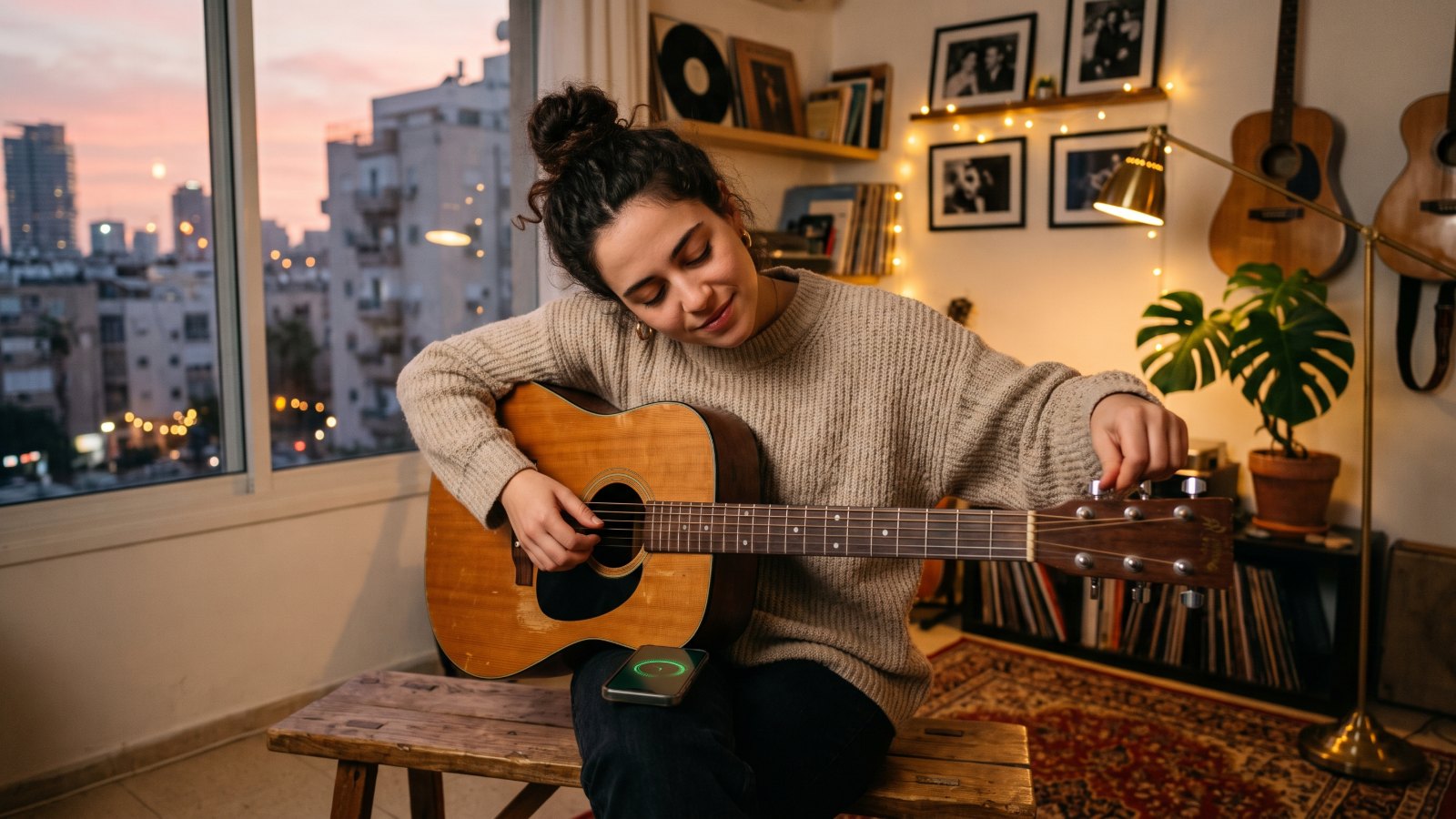
Online Guitar Tuner
A chromatic microphone tuner accurate to ±1 cent, with guitar, Drop D, bass and ukulele modes and a reference tone for every string. Your audio never leaves your device.
Open tool →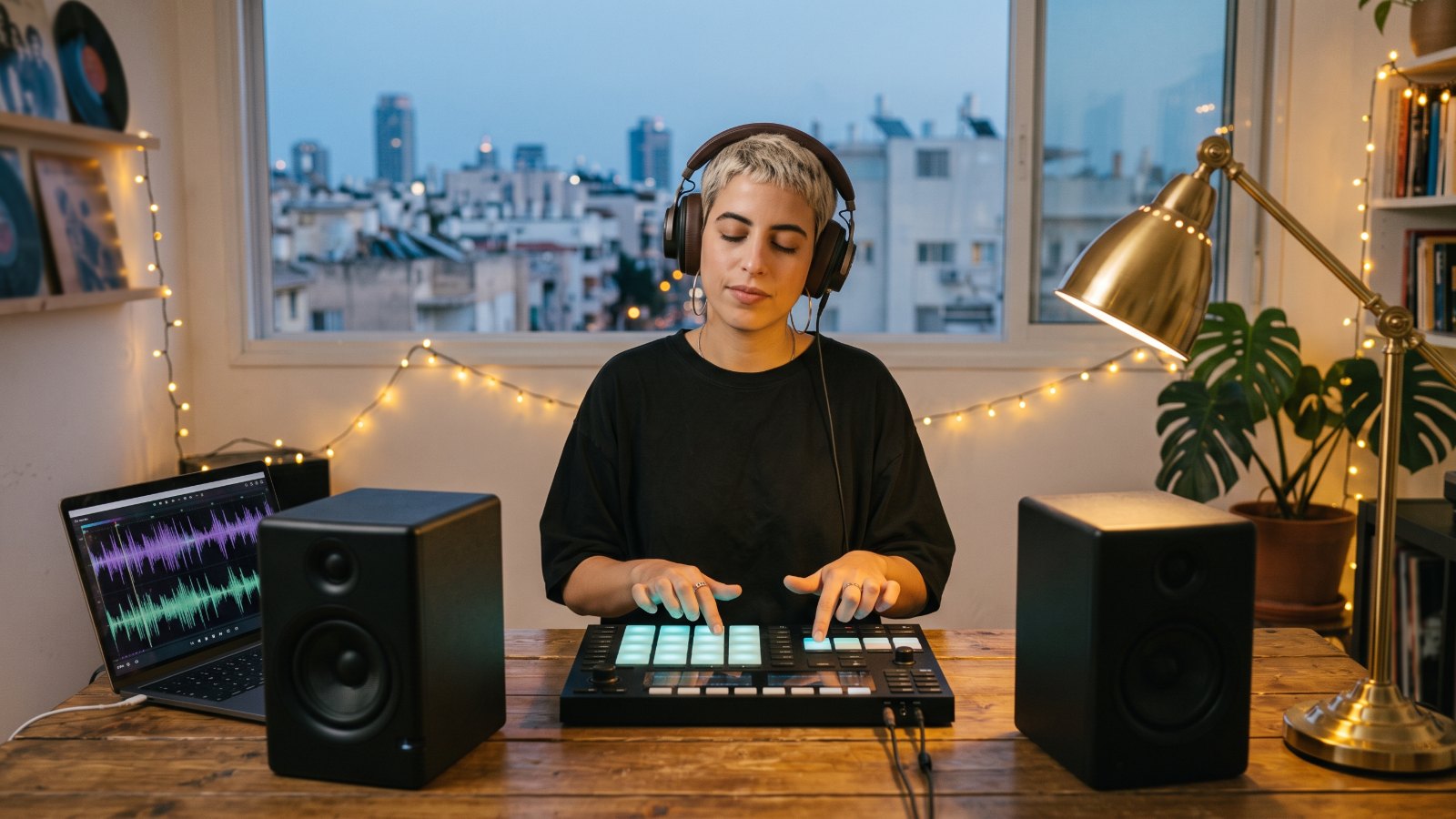
Tap Tempo & BPM Counter
Tap along to any song for a precise BPM, a stability score, the tempo marking and half- and double-time values. One click opens the metronome at that tempo.
Open tool →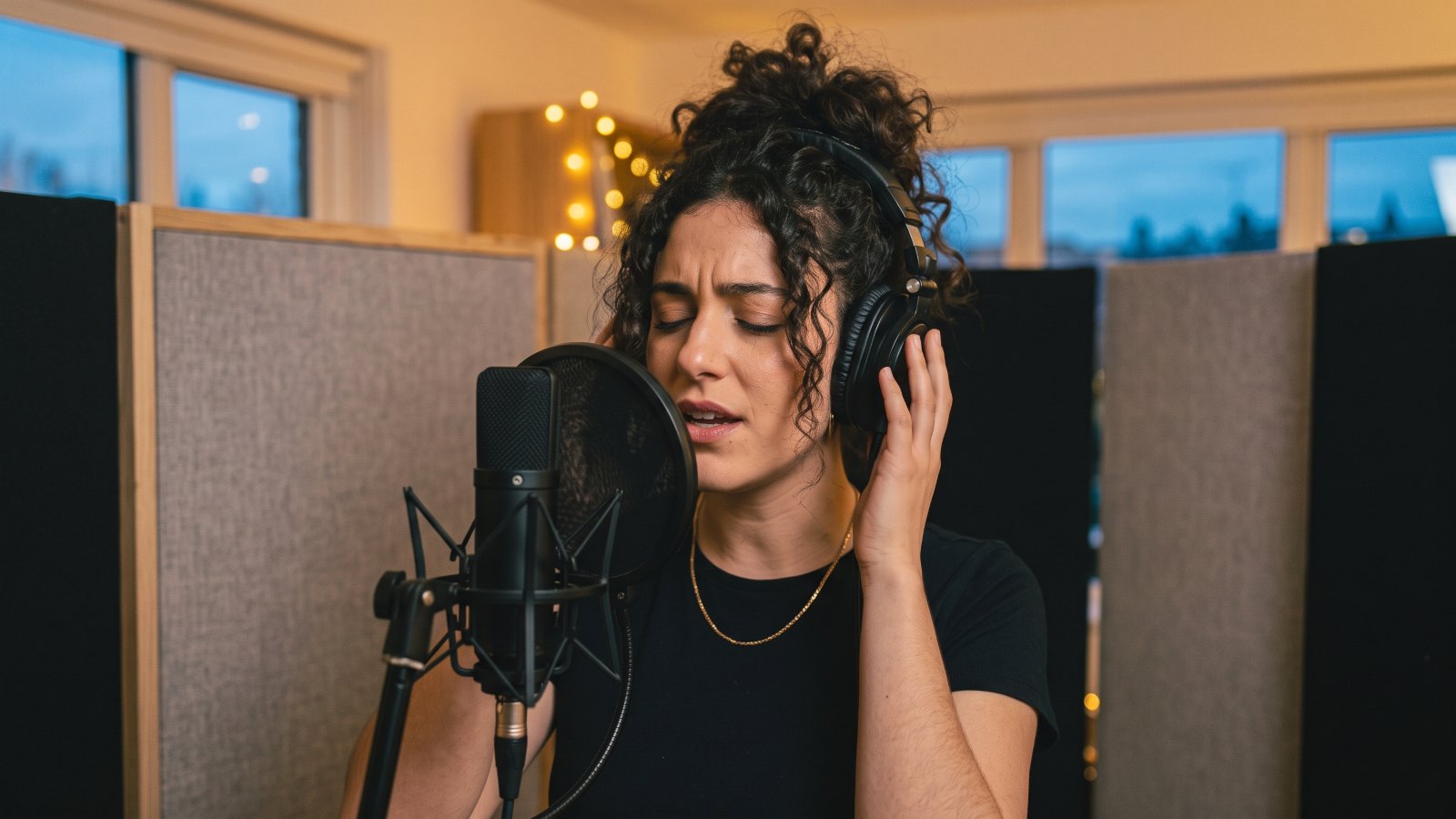
Ear & Rhythm Trainer
Intervals, chord quality and a rhythm test that measures in milliseconds whether you rush or drag. Scores and progress are saved in your browser.
Open tool →Chords & theory
Understand the harmony and fit any song to your hands and voice.
Guitar Chord Chart
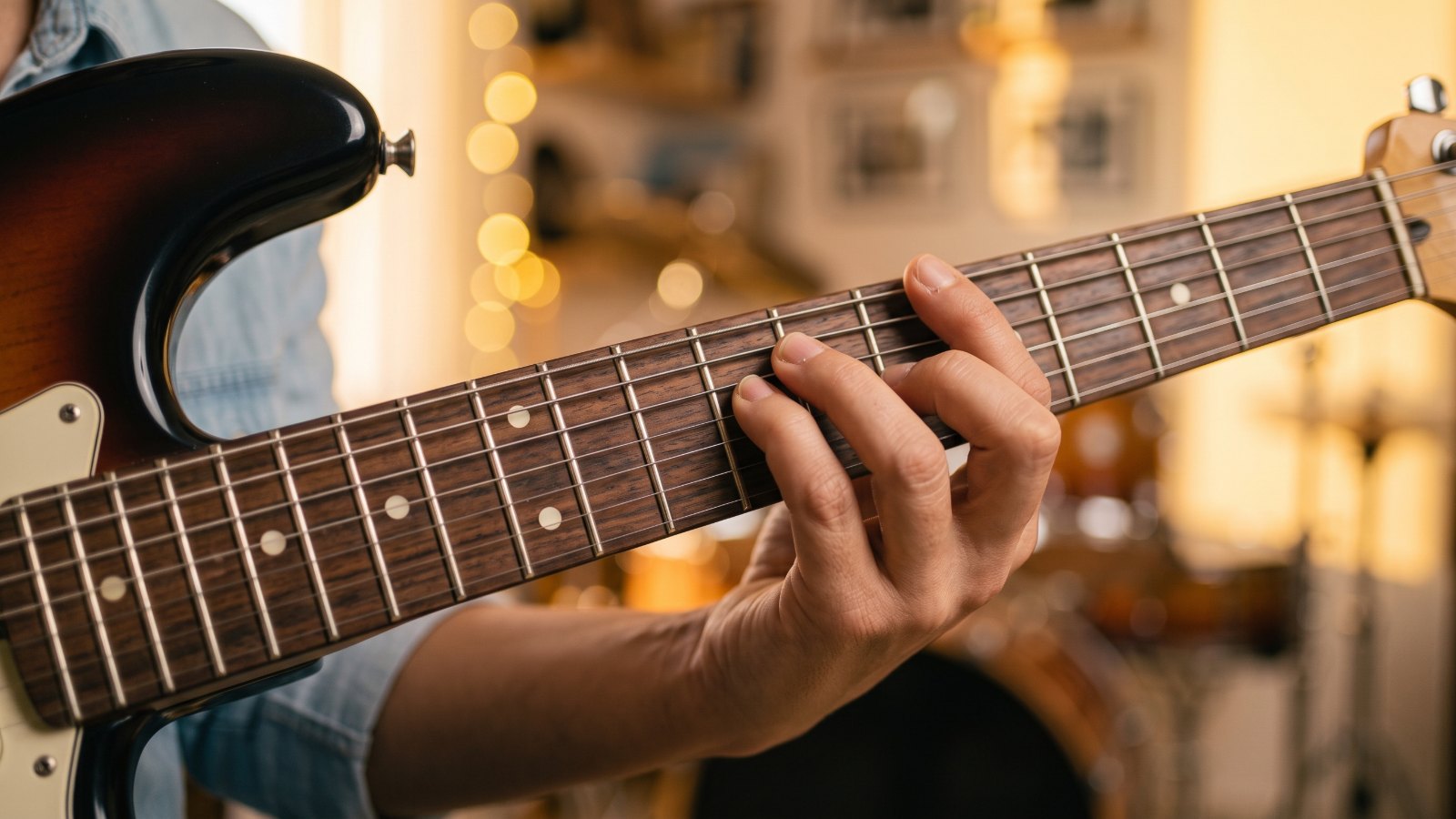
144 chords with up to 3 shapes each, fretboard diagrams, interval formulas and a piano keyboard view. Tap any shape to hear how it sounds.
Open tool →
Interactive Circle of Fifths
Click any key to see its key signature, scale notes and the 7 diatonic chords in Roman numerals. Hear every chord, the scale and a I–V–vi–IV progression.
Open tool →
Chord Transposer
Paste a chord sheet and move it to any key, slash chords and extensions included. It detects the original key and suggests a capo with easy open shapes.
Open tool →Create & analyse songs
Write your own progressions and play today's hits.
Chord Progression Generator
Progressions in 12 keys and 9 styles, from pop and rock to blues and jazz, with loop playback. "Surprise me" builds a fresh one from functional-harmony rules.
Open tool →
Song Analyzer: Top 20
Chords, key, BPM and structure for the 20 most-played hits in Israel and worldwide, with transposing and chord diagrams. Updated monthly.
Open tool →
Jamming & Improv
24 original backing tracks in seven styles, with an example-solo toggle, suggested scales and tips for players and singers.
Open tool →A musician's toolkit: eight tools, one for every question
Whether you play in a school band, write songs in your bedroom or are getting ready for a weekend jam, the same questions keep coming up. Am I in tune? What's the tempo of this song? How do I play that chord? How do I move the song into a key that suits the singer? And can my ear actually tell what it's hearing? Each tool answers one of them.
| Tool | What it does | Reach for it when… |
|---|---|---|
| Guitar tuner | Chromatic mic tuner accurate to ±1 cent: guitar (standard, Drop D), 4-string bass, ukulele and chromatic modes, A4 from 430 to 450 Hz, a reference tone for every string. | You start any practice, rehearsal or gig |
| Metronome | 20–300 BPM, 8 time signatures (2/4 to 12/8), subdivisions, per-beat accents and mutes, 4 sounds and a speed trainer. | You're working on technique, groove and time |
| Chord chart | 12 roots × 12 chord types, up to 3 shapes each (open and barre), notes, interval formula, piano view and playback. | A chord sheet throws you one you don't know |
| Tap tempo | Tap along to a song for a live BPM, a stability score, the tempo marking (Largo to Presto), half- and double-time values – and a button that opens the metronome at that BPM. | You're learning a song from a recording or counting in a band |
| Chord transposer | Paste a whole chord sheet and shift it by semitones or to a target key. Detects the original key, handles slash chords and extensions, and suggests a capo with easy open shapes. | A song sits too high or low for the singer |
| Circle of fifths | Click any key to see its key signature, scale notes, the 7 diatonic chords in Roman numerals and its relative minor or major – and hear all of it. | You want theory, keys and modulations to click |
| Progression generator | 12 keys, major or minor, 9 styles from pop and rock to blues, jazz and funk. Loop playback on piano or strummed guitar, plus a "Surprise me" button. | You're songwriting, improvising or jamming |
| Ear & rhythm trainer | Intervals (m2 to P8, ascending, descending and harmonic, 3 levels), chord quality, and a rhythm test that measures in milliseconds whether you rush or drag. | You have 5 minutes a day for your ear and time |
What makes them professional-grade
- Private. Tuner audio is processed inside your browser and never uploaded. Ear-training scores and progress are saved only in your own browser.
- Accurate. The tuner reads to the cent, the metronome schedules every click with sample accuracy (even in a background tab), and tap tempo uses the median of your recent taps, so one sloppy tap won't throw the result.
- Spelled like a musician would. Sharps or flats follow the key, chords come with Roman numerals, and slash chords like Bb/D are read correctly.
- Connected. Tap tempo hands its BPM straight to the metronome, any chord in the progression generator opens in the chord chart, and every chord has its own link (e.g. #chord=Am7) to send to your bandmates.
How the tools work together: a 25-minute practice session
Each tool is useful on its own, but they really pay off when you chain them. Here's a structure we give students, built on our 20-minute daily practice routine:
- Tune – 2 minutes. Every time, even if you tuned yesterday. Come up to the note from below so the string holds.
- Ear – 5 minutes. A round of intervals or chord qualities in the ear trainer. Twice a week, switch to rhythm mode and turn on "click fades out" – it shows whether your time lives inside you or only on the click.
- Technique to a click – 5 minutes. A scale or riff on the metronome at 60–70 BPM in eighth notes, with the speed trainer set to +4 BPM every 8 bars.
- A song – 8 minutes. Tap along to the recording, open the metronome at the BPM you get and start at about 80% of it. Unfamiliar chord? Look it up in the chord chart.
- Create – 5 minutes. Pick a style in the progression generator, loop it and improvise a melody or riff over the top. This is where songs start – and our guide on how to write your first song shows you where to take it next.
Scenario: getting a cover ready for band rehearsal
Tap along to the track and you get, say, 92 BPM. The singer can't reach the chorus? Paste the chord sheet into the transposer and drop it a whole step – and if the new key is full of flats, it suggests a capo and open shapes that sound in the same key. Then open the new key on the circle of fifths so the bassist and keyboard player can see which chords belong to it. For rehearsals that actually work, read our golden rules for playing in a band, and if you're looking for one, check out bands and ensembles at Rockstar.
The right tools for your instrument
- Guitar. Tuner, chord chart, transposer with capo helper and progression generator – the backbone of good guitar lessons for teens and young adults.
- Bass. The tuner covers bass from E1 (41.20 Hz) to G2 (98.00 Hz), and the metronome and tap tempo keep you locked with the drummer – just as you'd practice in bass guitar lessons.
- Piano. The circle of fifths and the chord chart's keyboard view show how harmony is built – a natural companion to piano and music theory lessons.
- Drums. Odd meters like 7/8, subdivisions, muted beats and the rhythm test in the ear trainer make these tools part of every drum lesson.
- Voice. Interval training sharpens your pitch, and the chromatic tuner shows whether a held note is dead on – a handy check alongside singing lessons.
Teacher's tip: Don't try to use all eight tools every day. Pick the three that serve this month's goal – a song for a gig, an original song or tighter time – and give them two weeks before you judge your progress.
Free music tools: frequently asked questions
Are the tools really free? Do I need an account or an app?
Completely free, with no signup and nothing to install. Open the page in an up-to-date Chrome, Safari or Firefox, on phone or desktop.
Is anything recorded or stored?
No. Only the tuner uses the microphone, and its audio is processed on your device and never sent or saved. In the ear trainer's rhythm test you tap rather than get recorded, and your scores and progress stay in your own browser.
Can I learn an instrument with these tools alone?
They help you practice right, but they can't tell you your hand is tense or your posture is off. That takes a teacher's ear – which is why music lessons at Rockstar pair personal guidance with precise tools for home practice.
Where can I take music lessons in North Tel Aviv?
Our music school is in Ramat Aviv Gimel, a short drive from Neve Avivim, Afeka, Bavli, Tzahala and Ramat HaHayal. Rockstar Home lessons are also available in North Tel Aviv, subject to teacher availability. More in music lessons in Ramat Aviv Gimel.
From practice tools to the stage
Want someone to listen, tell you exactly what to fix and get you to that song, that band or your first gig? At our music school in Ramat Aviv Gimel, North Tel Aviv, you'll learn from working musicians. Come for a free, no-commitment intro lesson.